iPad app


Hold the world’s markets in your hands. Our iPad app allows you to trade on the price movements of indices, commodities, currencies and companies using your iPad – it’s a powerful meeting of technologies that provides a unique and portable trading experience.

Click here to download the CMC Markets CFD trading app for iPad.

Features

Our iPad app is equipped with lots of useful features that give you more control over your trades. These features, combined with the multi-touch display technology of the iPad, make for a really hands-on, user-friendly trading experience. Here are some of the highlights:

Product library

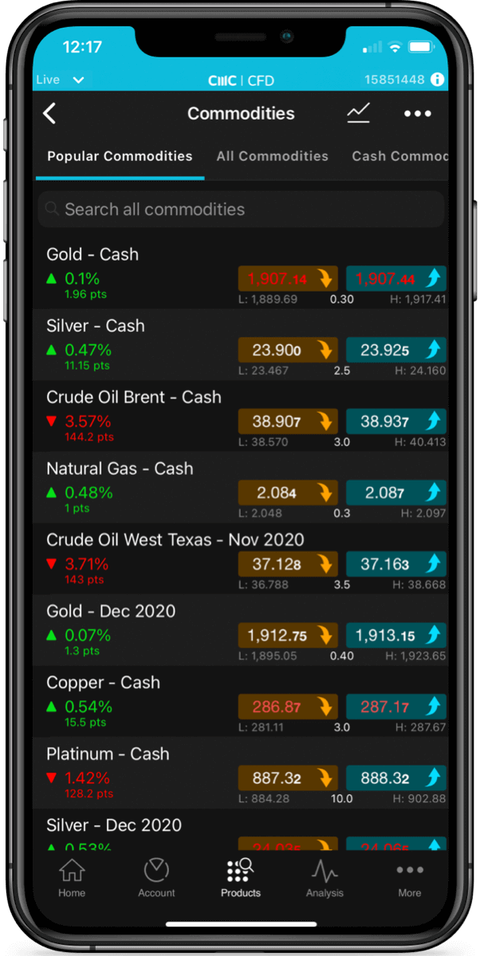
Use the product library to find all the products that you want to trade. If you know the name, simply type it into the search box. Otherwise, you can use filters to browse by type, sector, region, country, performance and even volatility. You could even go straight to the products in focus to see our top products getting a lot of attention in the market place.

Watchlists

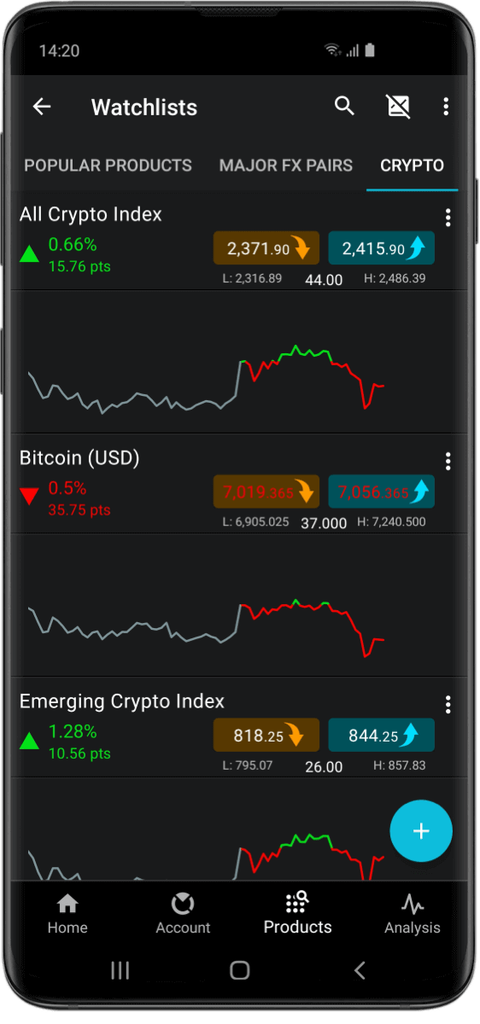
Create your own customised watchlists with all your favourite products, for even faster access to the products you’re most interested in. It just takes a few taps to create, name, edit, reorder and even delete your watchlists.

Factsheets

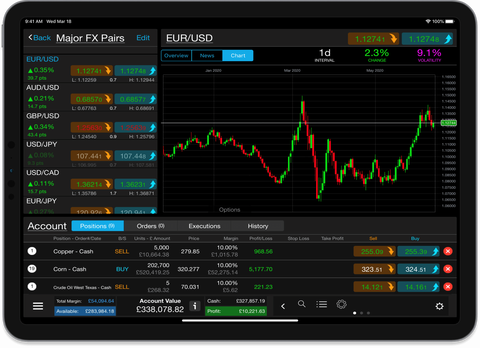
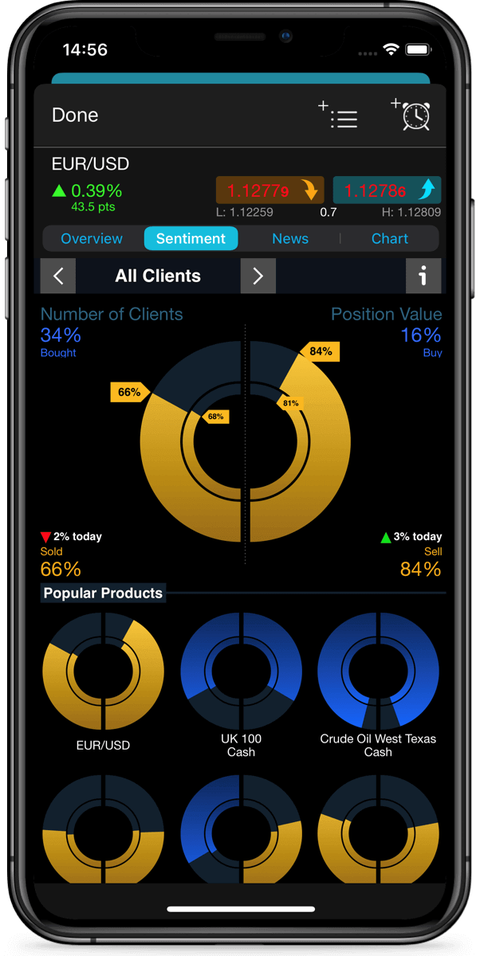
Just tap once to view a Factsheet for a product. Everything you’ll want to know is covered – from the basics, like spreads, through to real-time Dow Jones news, live streaming charts and some insights on how other market forces can influence prices. Our unique multi-touch charting navigation makes it easy to view full-screen charts and to focus on a specific timeframe.

Customisable leverage

Dial the amount of initial margin up or down on each transaction. Pay for the whole position yourself, or ‘borrow’ most of the funds to open the position from us – you choose. On the CMC Tracker platform, this is called customisable financing. Overnight financing fees, charged daily, apply on the ‘borrowed’ amount only. If you pay for the whole position, overnight costs don’t apply. NB Leverage can enhance profits as well as losses.

Order ticket

It’s easy to choose different order types, which include market, limit, stop loss, take profit and even trailing stop loss orders. To modify stop loss and take profit levels on charts, simply drag the lines up or down with your finger. We offer transaction-based stop losses as default on the iPad app, automatically attaching a stop loss to every trade to give you greater protection on the move. You can even choose how much leverage you want to use.

CFD account

All account details are available in real time, all the time. View your total account value and see a clear graphical breakdown of your available cash and profit or loss on your open positions. One tap and you can access your open positions, your orders or a history of up to the last 500 transactions. You can even email yourself a full, in-depth trading statement for your records.

News

We stream the Dow Jones Newswires service live into the iPad app. Get all the breaking news from around the globe as it happens, and never miss an important announcement again.

Swipe login

Log in to your app using our swipe security function, for faster, more efficient logins. This feature allows you to access the markets quickly and easily while on the move – sometimes every second counts.

Sign up

Open a live account directly on your iPad, or open a fully featured demo account in just seconds. As soon as you’re connected to your live or demo account you’ll have access to live streaming prices, full account functionality and support. You can download the CMC Markets CFD trading app for iPad from the App Store.

Payments

With our fully featured app you can even fund your account from your iPad. Just tap the payments icon to start a secure transaction. You can also top up your virtual funds at any time in the demo account.

Settings

You can set your preferences with just a few taps. You can set your default values for stop loss and take profit orders, and even choose whether to have them turned on for every trade. Choose which chart type you would like to use and choose what you want your home screen to display. It’s easy to change your settings at any time.

Charts

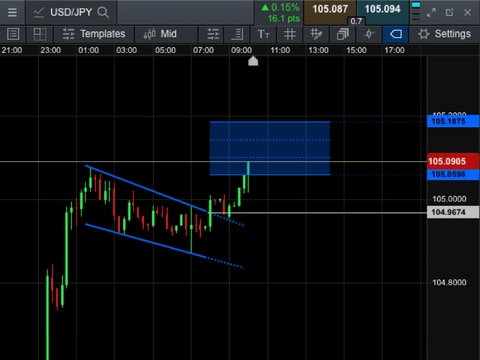
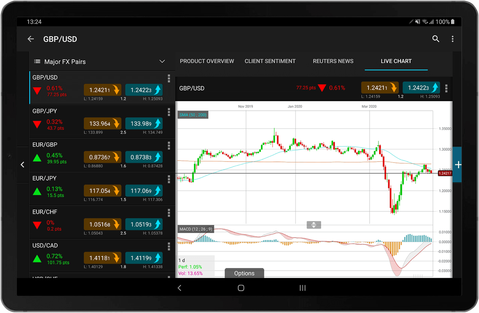
Real-time dynamic charts with up to 5 years of history come as standard. A choice of line or candlestick charts are available, with a variety of intervals just a click away. The display can be maximised by rotating the device 90 degrees. Our charting tools are indicative and provided for information purposes and must not be relied upon as investment advice.