Order types
Use a variety of order types to help you determine when to enter and exit the market and manage your risk.
Order types that are used to enter the market
Market orders
Market orders are used to open or close a transaction at the current market price. It doesn’t matter whether you are buying or selling, a market order will always get filled.
Limit orders

Limit orders are used to enter a transaction at a specific price and within a set time period. Limit orders may or may not get filled at that price, it depends on the movement of the market and whether it reaches the price specified in the limit order before the order expires.
Order types that are used to manage your risk
Take profit orders
Take profit orders are used to set a predetermined profit level at which to close a transaction. When you set a take profit level, the platform will automatically close your position and secure your profit when price reaches the level you’ve specified in your order.
Stop loss orders
Stop loss orders are used to specify a price level at which to close out a position if the price moves against you. Stop loss orders help to limit losses on trades that don’t go your way. Please note that your specified target price may not be guaranteed due to market conditions.
Trailing stop losses
Trailing stop losses are similar to regular stop loss orders, but they move in the direction of favourable price movements to help lock in some profit if your trade moves against you at a later stage. So, a trailing stop loss will follow a price as it moves favourably for you, remaining at the distance (either amount or number of points) you specified when you created the order.

Note:If you use a take profit order in combination with a stop loss order, they will act like an OCO (one cancels the other). When one order is executed the other will be cancelled automatically.
For further information on how to place a trade and how to use risk management orders click here.
Manage orders directly from the chart
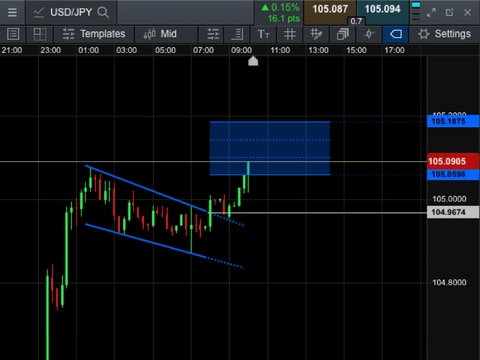
If you would prefer to set stop loss and take profit orders directly from the chart, click the arrow icon in the top left of the order ticket to open the chart for your product. Once you have activated a limit order – a stop loss or take profit order – horizontal lines will be drawn across the price action within the chart. Simply drag these lines to your desired levels and the order ticket will update automatically to reflect these preferences.

Edit stop loss and take profit orders direct from charts
Once a position has been opened, you can edit your stops and take profit orders direct from the chart. The entry price is indicated by a blue triangle (buy price) or orange triangle (sell price). The stop loss price is represented by a horizontal red line, with a small red dot indicating the time the order was placed. The take profit order is shown as a green horizontal line. Click on the trade triangle to enable editing, then move the horizontal lines up or down to set them at the levels you want them at.

Note: If you have transaction based stop losses turned on you won’t be able to move the stop loss further than your margin requirement for that trade. You can turn off transaction based stop losses via the preferences icon in the top right of your trading dashboard.
Enhanced price quote windows
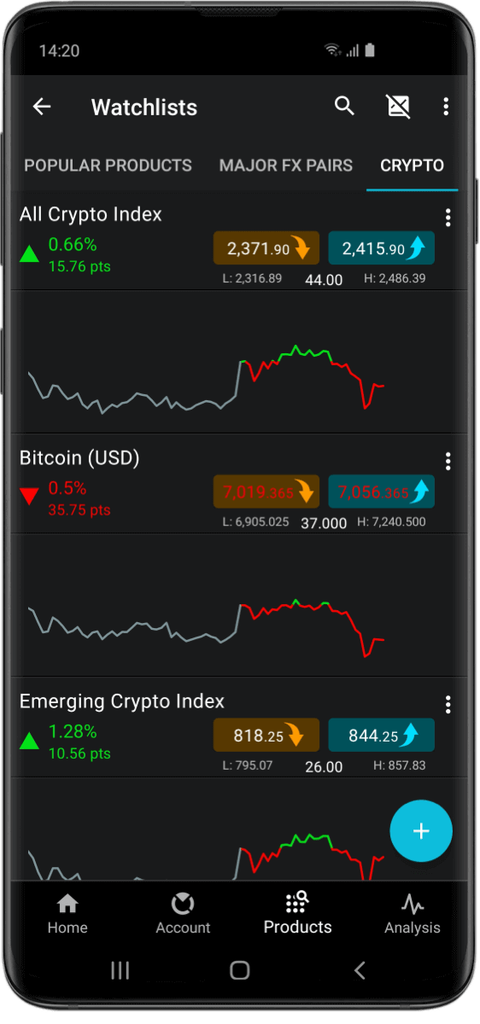
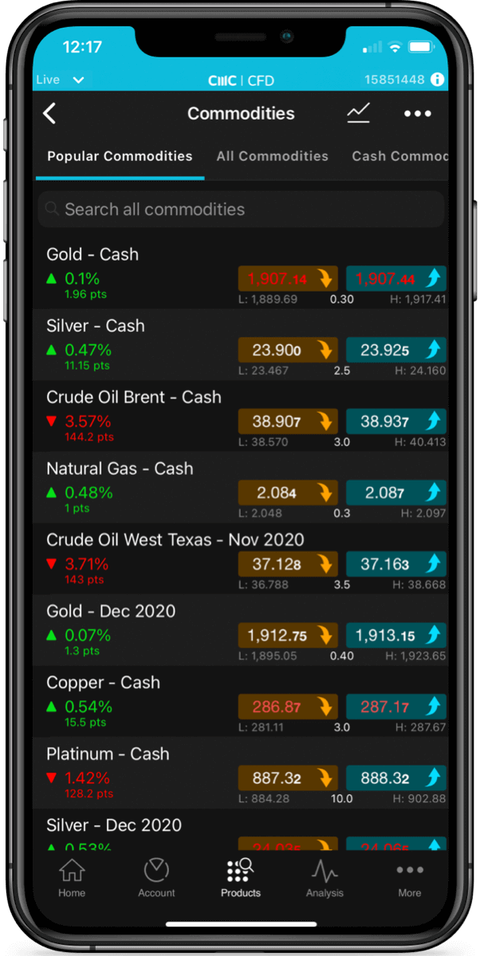
We have updated the price quote windows to include more information about a product’s price movements, including the daily High and Low values and the relative performance in percentage and points. Clicking anywhere within the buy or sell section will open up the corresponding order ticket.